The small tasks add up. Working out what to cook, sorting a messy list, comparing options or writing another routine reply can take time you wanted for something else. AI may help with parts of that work. You do not need to become a technical expert to find out whether it is useful to you.
Start with one ordinary task, give it enough information and check what comes back. The aim is to make room for your life, not fill it with more software to manage.
In this article
In this article 7 sections
What can you use AI for in everyday life?
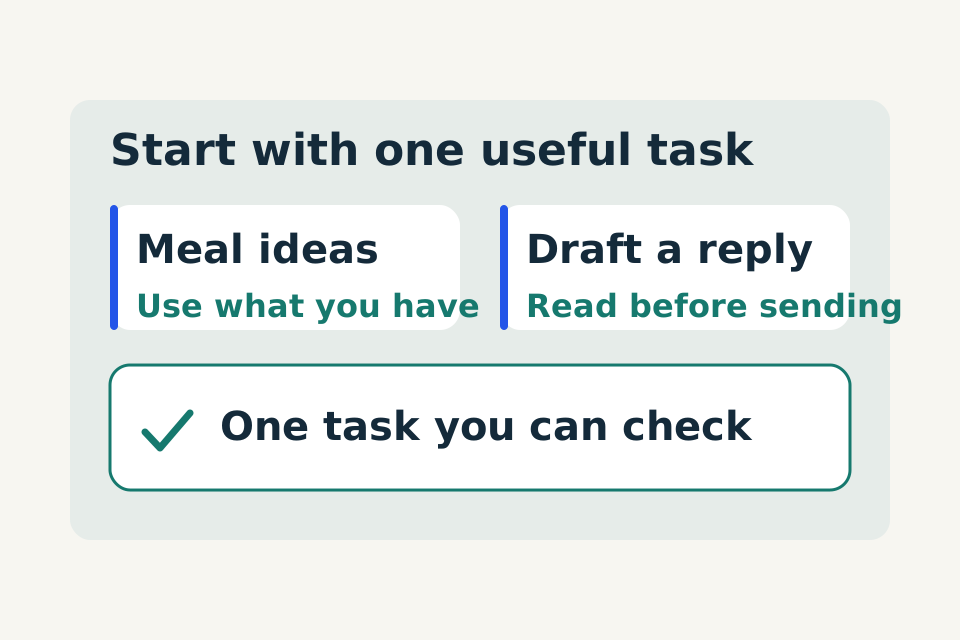
Start with a task you can review: plan a few meals, sort a weekly to-do list, compare product specifications or draft a routine message. You supply the facts and constraints; the AI helps organise a draft; you check the details before using it.
Try our meal-planning example, weekly planning exercise or product-comparison method. Choose one rather than connecting more tools at the start.
Pick something you can easily check
A good first task has a clear result and a manageable downside if the answer is wrong. Try organising a rough to-do list, explaining an unfamiliar term or drafting a routine message. For a local service business, you could turn a fictional customer enquiry into a short job brief.
Choose something you understand well enough to review. Leave important medical, legal and financial decisions to appropriate professionals. Avoid starting with anything that spends money, sends messages or changes an account for you.
Write down what would make the result useful. For a list, that might mean five items arranged in a sensible order. For a message, it might mean an accurate draft you can read in less than a minute. A clear finish helps you avoid polishing endlessly.
Give the AI a job, not just a topic
A prompt is simply the request you type or say to an AI tool. “Meal planning” names a topic. “Help me plan three simple dinners using these ingredients” gives it a job. Include the outcome, useful context and the form of answer you want. Microsoft's prompting guidance similarly emphasises goals, context, sources and expectations.
Try this original practice prompt:
Practice prompt
Help me plan three weekday dinners for two adults. I have rice, chickpeas, frozen peas and carrots. Keep preparation simple and reuse ingredients. Suggest three meals, then list extra ingredients. Ask about missing details that would substantially change the plan. Do not assume current supermarket prices.
These are planning ideas, not tested recipes. Check quantities and suitable cooking instructions before using them. You can practise with imaginary ingredients before sharing anything personal.
Improve one thing at a time
The first answer is a starting point. Tell the tool what missed the mark: “Those meals need too much preparation,” “Keep the first two ideas and replace the third,” or “Make the shopping list easier to scan.”
Specific feedback is more useful than repeatedly asking for a better answer. For a household list, say: “Keep the deadlines I supplied and flag tasks without a date.” For a business enquiry, say: “Separate customer facts from assumptions.” If the tool keeps misunderstanding, shorten the task and try one step at a time.
Check before acting
Fluent wording is not evidence of accuracy. Google's own guidance warns that Gemini can make mistakes and advises checking responses. Review the details you gave, any new claims and anything that depends on current information.
Review checklist
- Did it preserve your quantities, dates and restrictions?
- Did it invent a price, deadline or promise?
- Is a source needed, and does the source actually support the claim?
- Is the answer useful enough to act on, or does something remain unknown?
For a day out, check the venue's current hours before travelling. For a purchase, open the exact product page. Asking the same chatbot whether it is certain is not independent verification.
Keep private information and final decisions with you
Begin with made-up examples or public information. Do not paste passwords, card details, identity documents or private customer records into a practice chat. Check the tool's data-use terms and your workplace rules before using real business information.
A suggested schedule is not a changed calendar. A shopping list is not an order. A draft reply is not a sent message. Keep the action separate from the suggestion while learning.
For example, ask: “Summarise this fictional office-cleaning enquiry and list missing details. Draft a reply, but do not invent a price or confirm availability.” Then check the result yourself.
Decide whether it helped
Include the time spent explaining, checking and correcting, not just how quickly an answer appeared. Try a few similar tasks, including one with missing information. If a clean prompt reliably helps, save it without private details.
Your next step is small: choose one task today, write the result you want and decide what you will check. More advanced workflows can wait until you know what is actually useful.
Put this into practice with the Ask, Improve, Check worksheet.