You do not need a secret phrase to get useful help from AI. You need to make the job clear. A vague request leaves the tool to fill gaps; a clear request makes those gaps easier to see.
The examples below are original practice exercises. They show how to write a request, not guaranteed results from a particular product.
In this article
In this article 6 sections
Use a simple request pattern
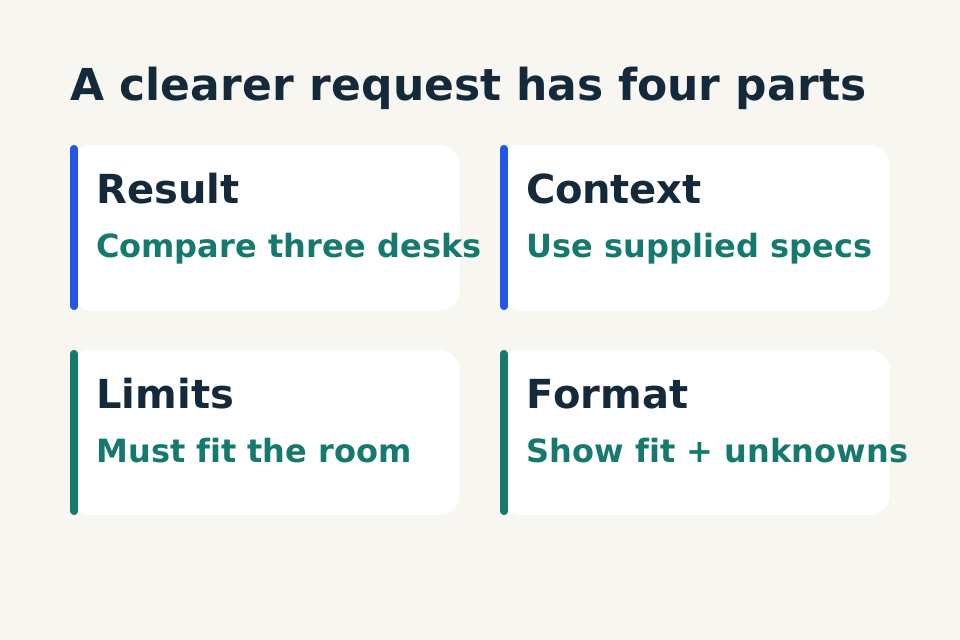
Start with four fields: the result you want, the information it should use, the limits it must respect and the shape of the answer. Microsoft's prompt guidance uses a similar structure around a goal, context, sources and expectations.
Practice prompt
Help me produce [result]. Use [relevant information]. Keep [constraints]. Return [format]. Flag missing facts instead of inventing them.
You can add an example if the desired style is difficult to describe. Use a fictional example or one you have permission to share. A long backstory is unnecessary if it does not change the result.
Example one: a shopping comparison
Weak request: “What's a good desk?”
Clearer request:
Practice prompt
Help me compare the three desks described below for a small room. My available space is 110 cm wide and 60 cm deep. I want a simple writing surface, not a gaming setup. Use only the supplied measurements. Show fit, storage, material and missing information. Do not invent prices or recommend buying yet.
The improvement is not extra politeness. It is a measurable constraint. If a desk is 120 cm wide, the answer should flag it as unsuitable even if its other features are attractive. If depth is missing, “unknown” is more useful than a guess.
Follow-up: “Remove anything wider than 110 cm. For the remaining options, list what I must verify on the seller's page.” You still check exact models, measurements and current terms before purchasing.
Example two: a household task list
Weak request: “Organise my week.”
Clearer request:
Practice prompt
Organise this fictional list into must-do this week, flexible and can wait: collect a parcel before Friday, return library books Tuesday, buy a lamp, tidy a cupboard and prepare a form due Thursday. I have 30 minutes Monday and 90 minutes Wednesday. Keep the supplied deadlines. Suggest an order, show anything that will not fit and do not create calendar events.
This request supplies capacity and distinguishes deadlines from wishes. It also says what must not happen. Check the response for an obvious trap: putting the Tuesday return in Wednesday's larger time block.
Follow-up: “Wednesday is no longer available. Keep the deadlines visible and tell me which task needs a different plan.” A useful revision should expose the conflict, not squeeze everything into an imaginary free evening.
Example three: a service-business reply
Weak request: “Reply to this customer professionally.”
Clearer request:
Practice prompt
Draft a short reply to this fictional enquiry: “Can you repaint two rooms next week?” Ask for room sizes, current wall condition, location area and preferred timing. We have not checked availability or provided a price. Keep it friendly and under 100 words. Do not promise a date, quote a cost or send the message.
Review whether the reply adds commitments such as “We can fit you in.” That wording sounds helpful but contradicts the facts. Better wording is “Could you share your preferred timing so we can check availability?”
Fix the request when the answer goes wrong
If the response is too broad, ask for one decision or output. If it invents details, identify the exact unsupported statement and require an unknowns list. If the tone is wrong, supply a short safe example rather than saying “sound human.” If it is too long, state the length and what must remain.
Avoid stacking contradictory demands such as “include every detail” and “one short sentence.” Choose which matters more. Ask the tool to point out conflicts before drafting.
Save only the reusable part
Keep the instruction and blank input fields in your own notes. Remove names, addresses and old facts before reusing it. Date-sensitive information belongs in the new input, not permanently inside the template.
The best prompt is the one that helps you produce a result you can check with less effort. Test it on an awkward case before treating it as a reliable routine.
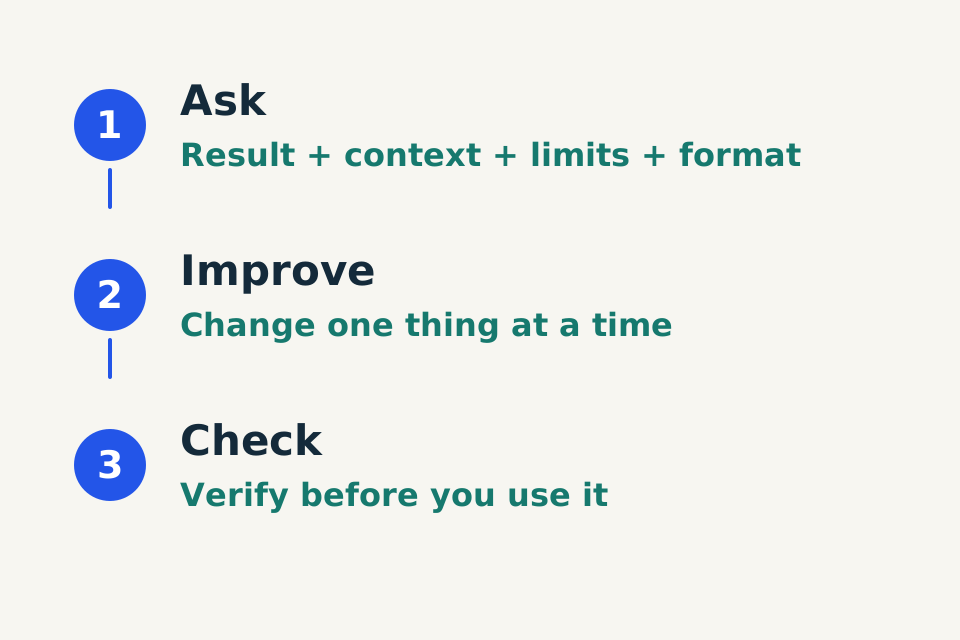
Use the Ask, Improve, Check worksheet to practise a request and review the result.